


Volteon Nova — PCIe Gen4 NVMe Gaming SSD
Volteon Nova — PCIe Gen4 NVMe Gaming SSD
The SSD That's Replacing Big-Box Brands This Christmas
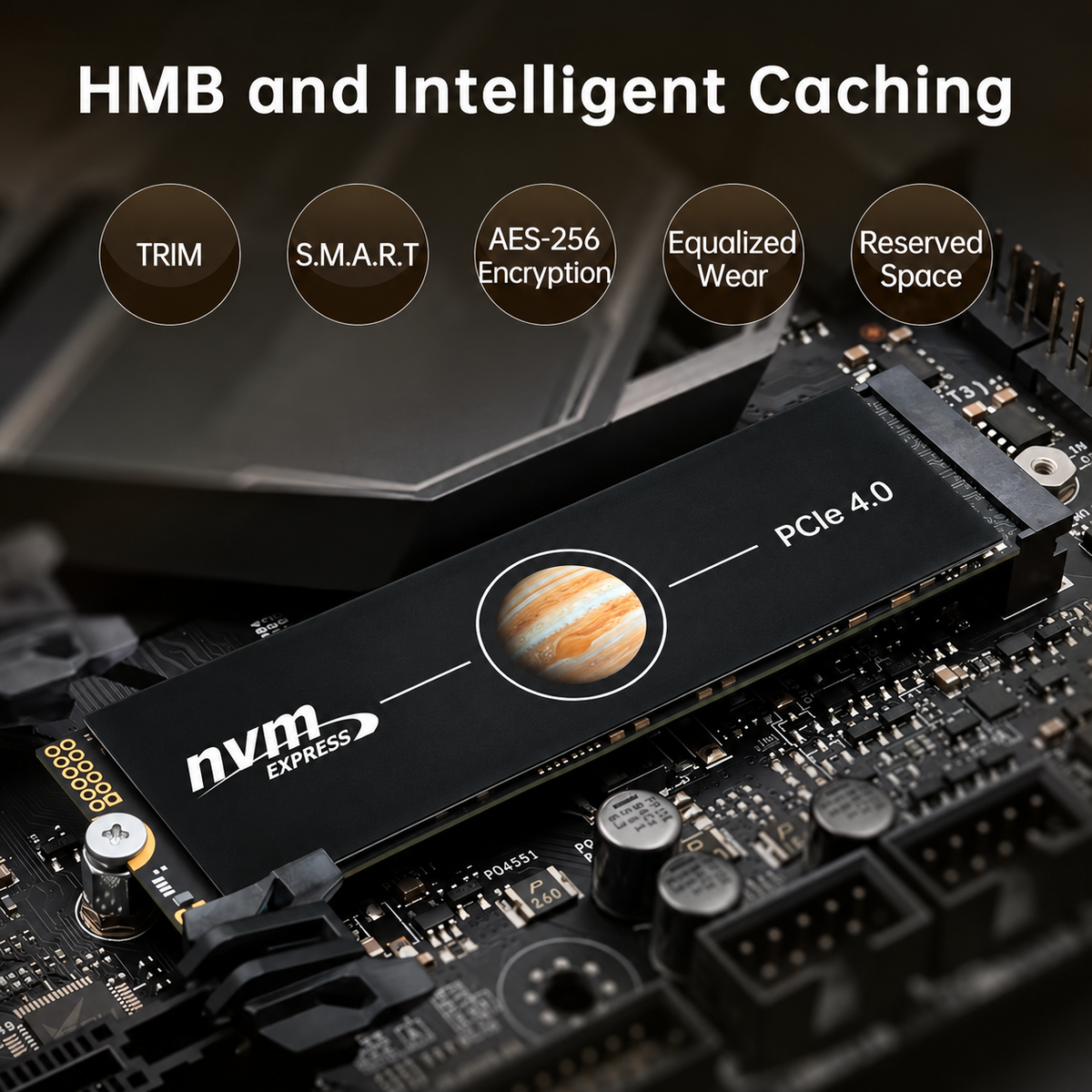
⚡ Up to 7,300MB/s Gen4 Speeds — Blistering PCIe Gen 4x4 NVMe performance means games load in seconds, file transfers finish before you blink, and boot times stop being a thing you notice.
❄️ Built-In Heatsink, No Thermal Throttling — The integrated heatsink keeps the drive cool under sustained load, so you get full-speed performance during long gaming sessions instead of slowdowns when it heats up.
🎮 Drops Into Your PS5 Or PC — M.2 2280 form factor with the heatsink PS5 expansion requires — install it in minutes and stop deleting games to make room for new ones.
Couldn't load pickup availability

Volteon Nova — PCIe Gen4 NVMe Gaming SSD
-
Ordered
- - -
Order Ready
- - -
Delivered


What our customers think!
-

Benchmarked it — speeds are legit
"First thing I did was run CrystalDiskMark because I was skeptical at this price. Numbers came in right where they should for Gen4. Dropped it in my PS5, formatted in seconds, and I've moved my whole library over. No throttling during long sessions thanks to the heatsink."
-

Finally stopped deleting games
"I was constantly juggling what to uninstall on my PS5. Grabbed the 2TB and the problem's just gone. Install took maybe five minutes with a screwdriver. Load times feel identical to the internal drive. Paid way less than the name-brand equivalent."
-

Great value for a build
"Used the 1TB as the boot drive in a new build. Boots almost instantly, games load fast, and it ran cool under load. For what I paid compared to the big brands with the same specs, this was an easy call. Would buy again for my next build."


FAQ
Will this work in my PS5?
Will this work in my PS5?
Yes — it's an M.2 2280 PCIe Gen 4 drive with the integrated heatsink PS5 storage expansion requires. It slots into the console's expansion bay and, once formatted, stores and runs your PS5 games directly.
How do I install it?
How do I install it?
Installation takes just a few minutes with a single screwdriver. Open the expansion bay (PS5) or your motherboard's M.2 slot (PC), slot the drive in at an angle, secure the screw, and boot up — your system will prompt you to format it.
Is it fast enough for modern gaming?
Is it fast enough for modern gaming?
Absolutely — with sequential read speeds up to 7,300MB/s, it exceeds the requirements for PS5 expansion storage and handles the most demanding PC games, large-file editing, and fast boot times with headroom to spare.
What capacity should I get?
What capacity should I get?
256GB and 500GB work for boot drives and a few titles. 1TB is the sweet spot for most gamers. 2TB is the best value per gigabyte and what most PS5 owners land on, since modern games routinely run 100GB+ each.
Is it compatible with Windows 11 and my laptop or desktop?
Is it compatible with Windows 11 and my laptop or desktop?
Yes — it's a standard M.2 2280 NVMe drive compatible with Windows 11, plus desktops and laptops with an available M.2 slot. Check your device supports M.2 2280 NVMe (most modern systems do) and it's plug-and-play.
What if it fails or something goes wrong?
What if it fails or something goes wrong?
Every Volteon Nova is backed by our warranty and support team. If you have any issue, reach out and we'll sort out a replacement or refund — we stand behind the drive after the sale.